 EVoLabelsHelp
Workstations and change approvals
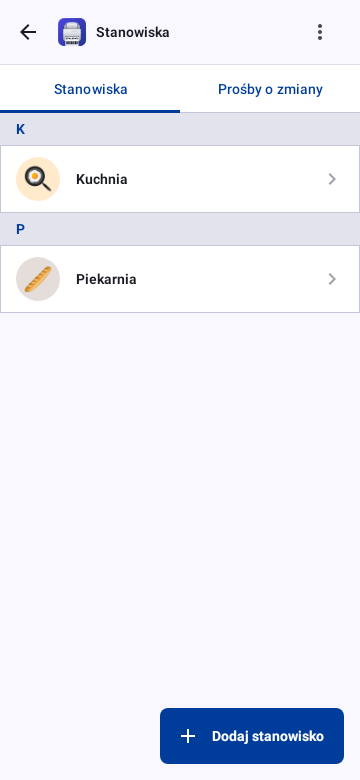
Workstations (kitchen, bakery, bar…) decide which products a team member works with. A product belongs to the workstations chosen on it, or, if it has none of its own, to its product type's.
Who can change a product directly
- The owner and administrators change every product.
- A team member with Edit products changes a product directly when it belongs only to their own workstations, and stays theirs after the change. A team member without workstations, and any product for all workstations, work the same way.
- Any other change is sent for approval: the save button reads Request Approval. Moving another workstation's product to your own is a change for approval too.
Sending a change for approval
After Request Approval the product stays as it is. When you open it again, a bar at the top shows that your changes are waiting; Withdraw takes the request back. Sending changes again replaces your earlier request for that product.
Once someone decides, the bar shows who approved or rejected your changes and, when rejected, the reason. Close hides it.
Approving changes (owner and administrators)
Settings → Workstations → Change Requests (also in team management) lists the waiting requests. Each one shows who asked, when, and every changed field as the current value → the requested value.
- Approve applies only what the request changes. Edits made to the product in the meantime stay; a field someone changed after the request was sent is marked, and approving replaces it.
- Reject asks for an optional reason that the requester sees.
- A request for a product deleted in the meantime can only be rejected.